Objective
The objective of the “Cross Notes” project is to develop a browser extension for Google Docs that enhances note-taking and document navigation by automatically populating sections referenced using hash and section name with the specified content.
About Cross Notes
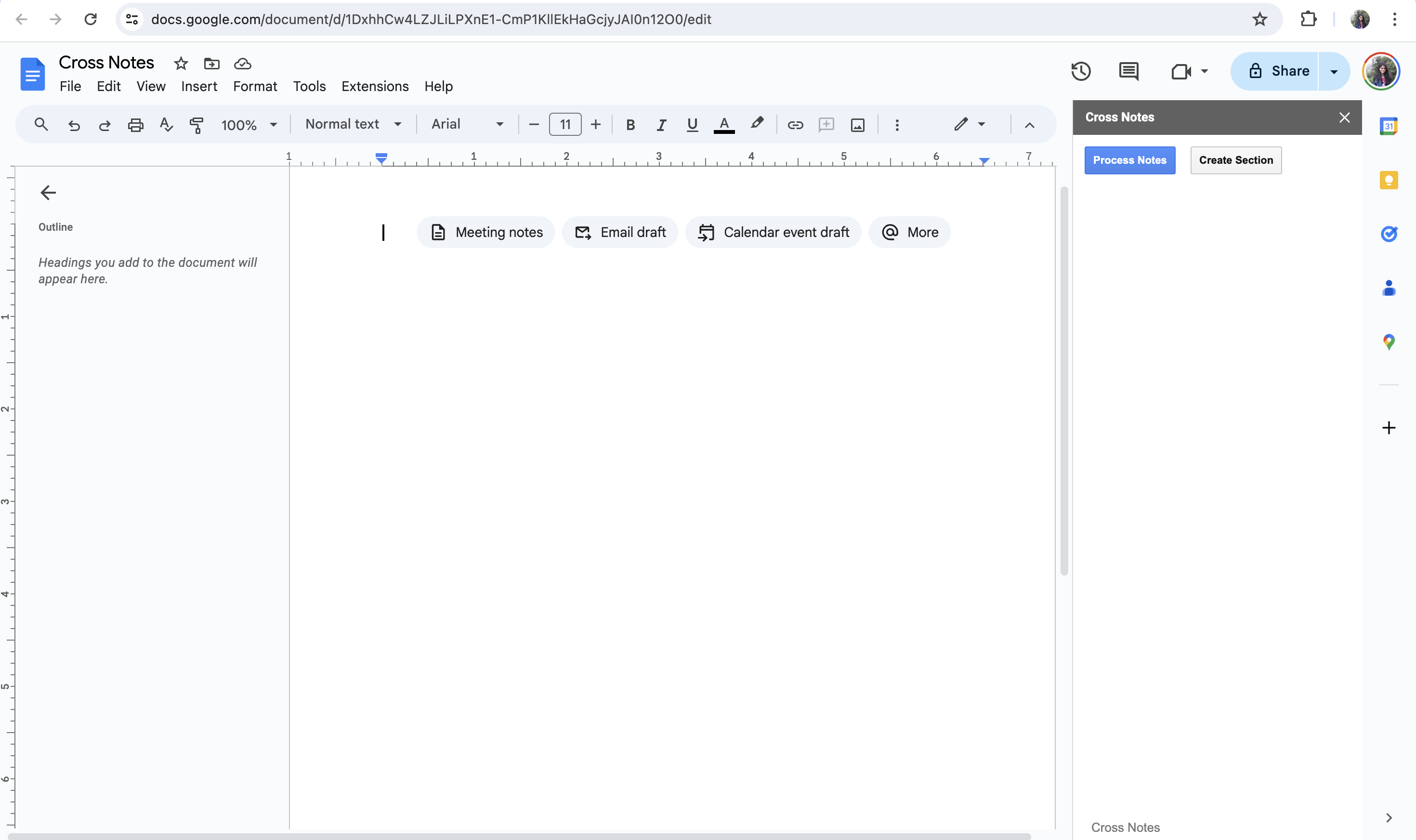
This project aims to enhance the functionality of Google Docs by providing a sidebar add-on called “Cross Notes.” The add-on allows users to organize and manage their document content more efficiently by creating sections and adding notes within the document.
The main functionalities include:
- Creating and managing sections within the document.
- Adding notes to sections using a predefined syntax.
- Automatically inserting cross notes referencing specific sections within the document.
- Providing a user-friendly sidebar interface for easy navigation and interaction with the add-on.
– Creating a Section
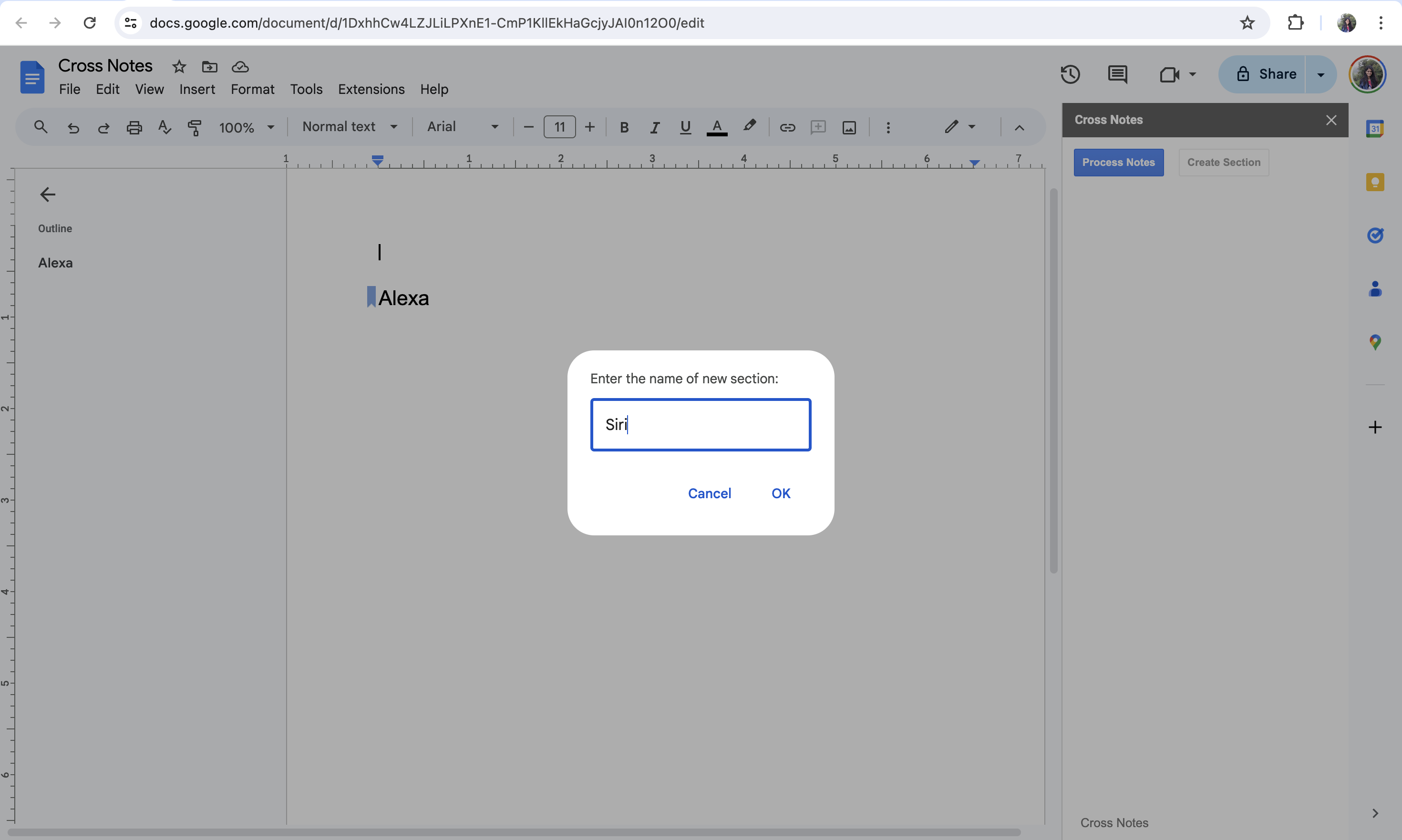
- To create a new section, users initiate the process by selecting the “Create Section” option from the add-on menu.
- A prompt dialog box then appears, prompting the user to enter the name of the new section.
- Once the user enters the section name and confirms the action, the add-on creates a new section within the document.
- The newly created section is formatted with a heading style (e.g., Heading 2), distinguishing it from regular content in the document.
- The section is added to the document’s body, enabling users to organize their content hierarchically.
– Adding a Note
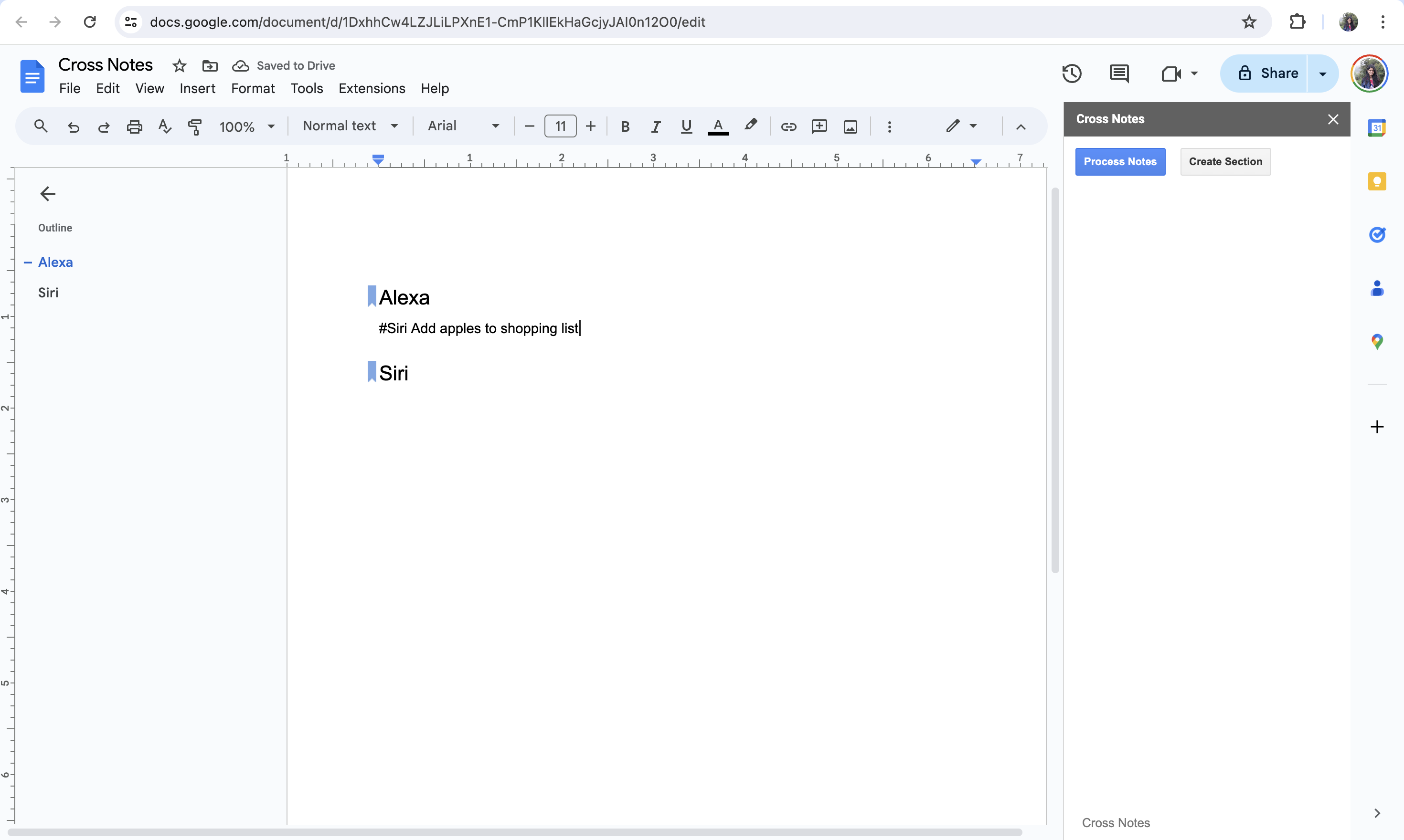
- To add a note within a section, users employ a specific syntax format recognized by the “Cross Notes” add-on.
- Users begin by typing the hashtag symbol (#) followed by the name of the section where they want to add the note.
- After specifying the section name, users append the desired note content following the same line or paragraph.
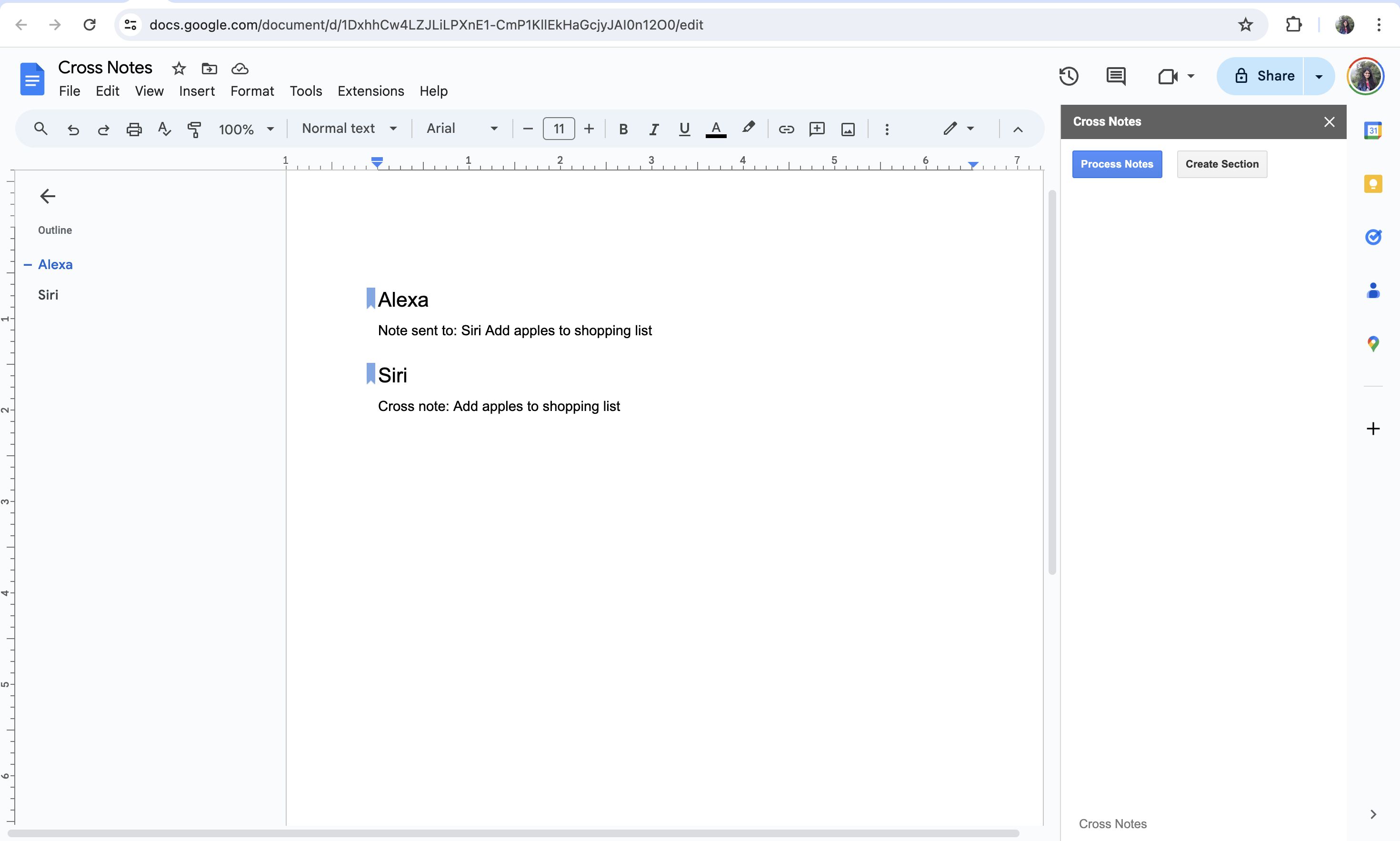
- Upon detecting the hashtag symbol and section name in the document, the add-on identifies the target section where the note should be added.
- The add-on then parses the note content and inserts it into the specified section within the document.